2D Drafting & 3D Visualization Using AutoCAD & SketchUp
Course Overview
Build a strong foundation in technical drafting and 3D visualization with our 2D Drafting & 3D Visualization Using AutoCAD & SketchUp Training Program. This practical, industry-oriented course is designed for students and professionals who want to develop skills in architectural drafting, interior design planning, furniture design, and 3D visualization.
The course is delivered by an experienced trainer with 10+ years of professional training experience, focusing on real-world projects and practical applications. Students will learn how to create professional 2D drawings in AutoCAD and transform them into realistic 3D models using SketchUp for architecture, interior design, furniture design, and construction projects.
Why Learn AutoCAD & SketchUp?
AutoCAD and SketchUp are among the most widely used design tools in:
- Architecture
- Interior Design
- Furniture Design
- Construction Industry
- Landscape Design
- Residential & Commercial Projects
- Exhibition & Retail Design
Learning both software enables students to create complete project workflows from technical drawings to professional 3D presentations.
Course Modules
Module 1: Fundamentals of Design & Drafting
- Introduction to Design Principles
- Understanding Architectural Drawings
- Drawing Standards & Scales
- Units & Measurement Systems
- Industry Workflow Overview
AutoCAD Training Module
Module 2: AutoCAD Fundamentals
- AutoCAD Interface & Workspace
- Drawing Setup
- Coordinate Systems
- Object Selection Techniques
- Precision Drawing Methods
Basic Drawing Commands
- Line
- Polyline
- Circle
- Arc
- Rectangle
- Polygon
- Ellipse
Modification Commands
- Move
- Copy
- Rotate
- Mirror
- Offset
- Trim
- Extend
- Scale
- Fillet
- Chamfer
Module 3: Professional 2D Drafting
- Layer Management
- Object Properties
- Blocks & Dynamic Blocks
- Text & Annotation
- Dimensioning Techniques
- Hatch & Patterns
- Layouts & Viewports
- Plotting & Printing
Practical Drawings
- Floor Plans
- Furniture Layouts
- Elevations
- Sections
- Working Drawings
- Construction Drawings
SketchUp Training Module
Module 4: SketchUp Fundamentals
- SketchUp Interface
- Navigation Tools
- Drawing & Editing Tools
- Push/Pull Tool
- Follow Me Tool
- Components & Groups
- Layer Management
- Model Organization
Module 5: Architectural 3D Modeling
- Importing AutoCAD Drawings
- Creating Walls & Openings
- Doors & Windows
- Staircase Modeling
- Roof Design
- Exterior Modeling
- Landscape Elements
Module 6: Interior Design Modeling
- Furniture Modeling
- Modular Kitchen Design
- Bedroom Design
- Living Room Design
- Office Space Modeling
- Material Application
Module 7: Advanced Visualization
- Textures & Materials
- Realistic Material Mapping
- Lighting Concepts
- Scene Creation
- Camera Views
- Presentation Setup
- Professional Project Presentation
Module 8: Real Project Development
Students will work on practical projects such as:
- Residential House Design
- Interior Design Projects
- Furniture Design Projects
- Commercial Space Layouts
- Architectural Presentation Models
Key Features
✔ Complete AutoCAD 2D Drafting Training
✔ Professional SketchUp 3D Modeling Training
✔ Real Residential & Commercial Projects
✔ Architecture & Interior Design Applications
✔ Furniture Design Fundamentals
✔ Practical Industry-Oriented Exercises
✔ Project-Based Learning Approach
✔ Portfolio Development Support
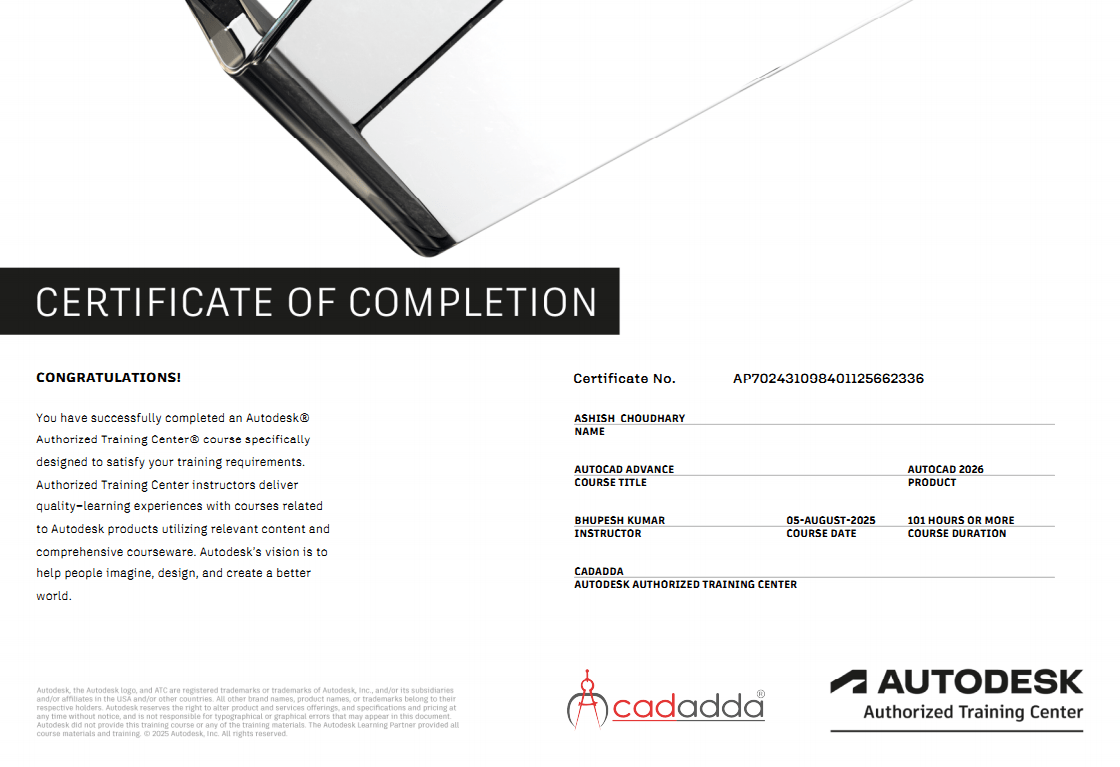
✔ Professional Certificate
✔ Placement & Career Guidance
Who Should Join?
- Architecture Students
- Interior Design Students
- Civil Engineering Students
- Diploma Students
- Furniture Design Students
- Construction Professionals
- Site Supervisors
- Freelancers
- Entrepreneurs
- Anyone Interested in Design & Visualization
Career Opportunities
After completing this course, students can work as:
- CAD Draftsman
- AutoCAD Designer
- SketchUp Designer
- Architectural Draftsman
- Interior Design Assistant
- Furniture Designer
- 3D Visualizer
- Design Coordinator
- Freelance CAD Professional
Course Outcome
Upon successful completion of this training program, students will be able to create professional 2D drawings, architectural plans, interior layouts, furniture designs, and detailed 3D models using AutoCAD and SketchUp. They will gain practical skills required for architectural, interior design, construction, and visualization projects.