AutoCAD & SolidWorks Professional Mechanical Design Training
Course Overview
Build a strong foundation in mechanical drafting, 3D modeling, product design, and manufacturing documentation with our AutoCAD & SolidWorks Professional Mechanical Design Training Program. This industry-oriented course is designed and delivered by a Mechanical Engineer with 10+ years of professional training experience, ensuring students learn practical skills that are directly applicable in engineering and manufacturing industries.
The course combines AutoCAD for technical drafting and engineering drawings with SolidWorks for 3D modeling, assemblies, sheet metal, product design, and manufacturing applications. Through hands-on projects and real-world engineering examples, students gain the skills required to work confidently in design, production, and product development roles.
Why Learn AutoCAD & SolidWorks?
Modern manufacturing and engineering companies rely heavily on AutoCAD and SolidWorks for:
- Mechanical Drafting
- Product Design
- Machine Design
- Industrial Equipment Design
- Manufacturing Documentation
- Sheet Metal Design
- Assembly Development
- Production Drawings
- Engineering Design Validation
Learning both software platforms gives students a complete design-to-manufacturing workflow used by industries worldwide.
Course Modules
Module 1: Engineering Drawing Fundamentals
- Engineering Drawing Standards
- Orthographic Projections
- Sectional Views
- Isometric Views
- Dimensioning Techniques
- Tolerances & Fits
- Manufacturing Drawing Concepts
AutoCAD Training Module
Module 2: AutoCAD Fundamentals
- AutoCAD Interface
- Coordinate Systems
- Drawing Setup
- Drawing Units & Scales
- Object Selection Techniques
- Productivity Tools
Drawing Commands
- Line
- Polyline
- Circle
- Arc
- Rectangle
- Polygon
- Ellipse
Modification Commands
- Move
- Copy
- Rotate
- Mirror
- Offset
- Trim
- Extend
- Scale
- Stretch
- Fillet
- Chamfer
Module 3: Advanced AutoCAD
- Layers & Layer Management
- Blocks & Dynamic Blocks
- Attributes
- External References (XREF)
- Annotation & Dimensioning
- Layouts & Viewports
- Plotting & Printing
- Industry Drawing Standards
Module 4: Mechanical Drafting Projects
- Machine Components
- Mechanical Parts
- Production Drawings
- Fabrication Drawings
- Manufacturing Documentation
- Assembly Drawings
SolidWorks Training Module
Module 5: Introduction to SolidWorks
- User Interface
- Design Workflow
- File Management
- Design Intent
- Parametric Modeling Concepts
Module 6: Sketching & Parametric Design
- Sketch Creation
- Geometric Constraints
- Dimensional Constraints
- Fully Defined Sketches
- Design Intent Development
Module 7: 3D Part Modeling
Feature-Based Modeling
- Extrude
- Revolve
- Sweep
- Loft
- Rib
- Shell
- Hole Wizard
Advanced Features
- Patterns
- Mirror Features
- Configurations
- Design Tables
Practical Exercises
- Mechanical Components
- Industrial Parts
- Product Design Models
Module 8: Assembly Design
- Component Insertion
- Mates & Relationships
- Assembly Management
- Motion Studies
- Interference Detection
- Exploded Views
- Assembly Documentation
Projects
- Machine Assemblies
- Industrial Equipment Assemblies
- Product Assemblies
Module 9: Engineering Drawings & Documentation
- Part Drawings
- Assembly Drawings
- BOM Generation
- GD&T Introduction
- Manufacturing Documentation
- Production Drawing Standards
Module 10: Sheet Metal Design
- Base Flange
- Edge Flange
- Hem Features
- Bend Operations
- Flat Pattern Development
- Fabrication Drawings
Module 11: Weldments & Structural Design
- Structural Members
- Frame Design
- Weldment Profiles
- Cut Lists
- Fabrication Documentation
Module 12: Product Rendering & Visualization
- Material Assignment
- Appearances
- Lighting Setup
- Rendering Techniques
- Product Presentation
Module 13: Industry-Oriented Projects
Students will complete practical projects such as:
- Mechanical Machine Components
- Industrial Product Design
- Manufacturing Assemblies
- Sheet Metal Components
- Structural Frame Models
- Production Drawings
- Real Industrial Design Projects
Key Features
✔ Training by Mechanical Engineer with 10+ Years of Experience
✔ AutoCAD + SolidWorks Combined Training
✔ Industry-Oriented Curriculum
✔ Real Engineering Projects
✔ Mechanical Design Workflow Training
✔ Manufacturing Drawing Preparation
✔ Sheet Metal & Assembly Design
✔ Practical Assignments & Assessments
✔ Interview Preparation Support
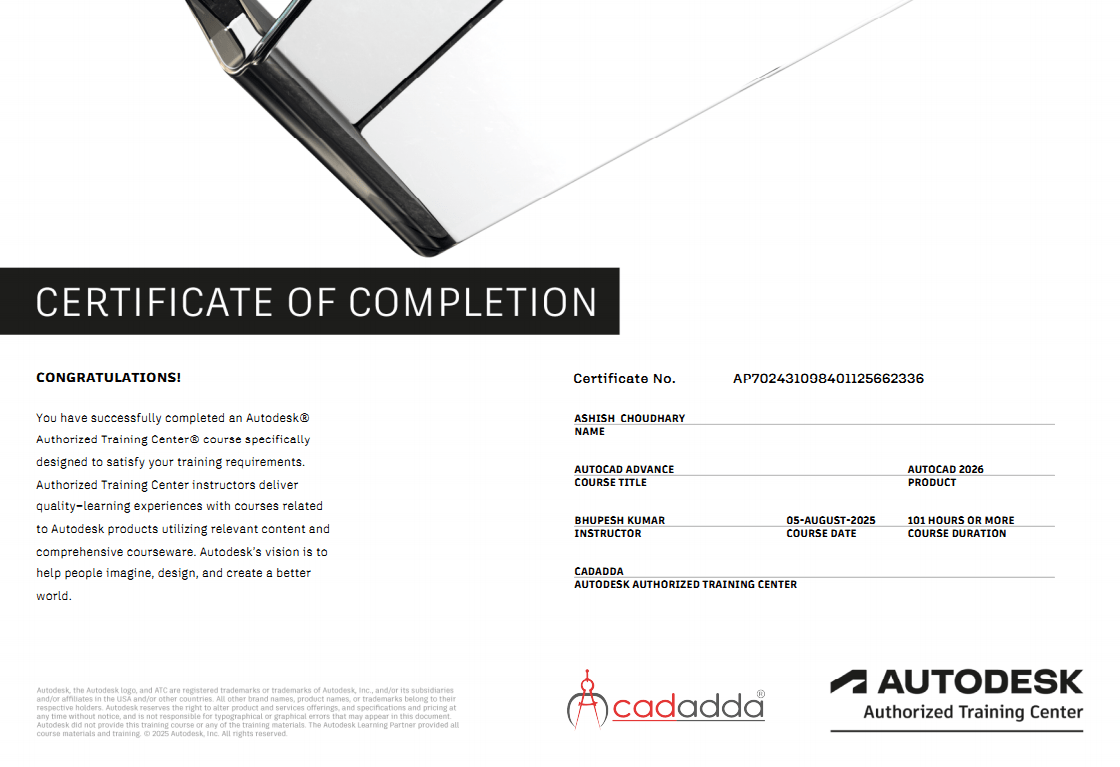
✔ Certificate Upon Course Completion
Who Should Join?
- Mechanical Engineering Students
- Diploma Mechanical Students
- Production Engineering Students
- Industrial Engineering Students
- Manufacturing Professionals
- CNC Operators
- Design Engineers
- Working Professionals
- Job Seekers in Mechanical Design
- Entrepreneurs & Product Developers
Career Opportunities
After completing this course, students can pursue roles such as:
- Mechanical Design Engineer
- CAD Design Engineer
- SolidWorks Designer
- AutoCAD Draftsman
- Product Design Engineer
- Production Design Engineer
- Sheet Metal Designer
- Manufacturing Engineer
- Project Design Engineer
- R&D Design Executive
- Freelance CAD Designer
Course Outcome
By the end of this training program, students will be able to create professional engineering drawings, 3D mechanical components, assemblies, sheet metal parts, manufacturing documentation, and product designs using industry-standard tools. They will gain the confidence and practical knowledge required to work in design, manufacturing, fabrication, and product development industries.