
AutoCAD & STAAD.Pro Professional Structural Design Training
Course Overview
Develop professional skills in structural drafting, structural analysis, and design with our AutoCAD & STAAD.Pro Professional Training Program. This industry-focused course is specially designed for Civil Engineering students, Structural Engineering professionals, Site Engineers, Diploma holders, and construction industry professionals who want to build expertise in structural design and analysis.
The training is delivered by an experienced engineering trainer with 10+ years of professional training experience, combining practical drafting techniques in AutoCAD with advanced structural analysis and design using STAAD.Pro. Students will learn how to prepare structural drawings, analyze structures, design RCC and steel structures, and generate professional engineering reports according to industry standards.
Why Learn AutoCAD & STAAD.Pro?
AutoCAD and STAAD.Pro are widely used in:
- Structural Engineering
- Civil Engineering Projects
- Building Design
- Industrial Structures
- Steel Structure Design
- RCC Structure Design
- Infrastructure Projects
- Construction Consulting Firms
Learning both software enables engineers to move from drafting and detailing to structural analysis and design using professional industry workflows.
Course Modules
Module 1: Structural Engineering Fundamentals
- Introduction to Structural Engineering
- Types of Structures
- Structural Loads & Load Paths
- Building Components
- Design Codes & Standards
- RCC & Steel Design Basics
AutoCAD Training Module
Module 2: AutoCAD Fundamentals
- AutoCAD Interface
- Drawing Setup & Units
- Coordinate Systems
- Precision Drawing Techniques
- Layer Management
- Object Properties
Drawing Commands
- Line
- Polyline
- Circle
- Arc
- Rectangle
- Polygon
Modification Commands
- Move
- Copy
- Rotate
- Mirror
- Offset
- Trim
- Extend
- Scale
- Fillet
- Chamfer
Module 3: Structural Drafting Using AutoCAD
- Foundation Plans
- Column Layouts
- Beam Layouts
- Slab Layouts
- RCC Detailing
- Steel Structure Drawings
- Section Drawings
- Structural Working Drawings
- Bar Bending Schedule (BBS)
- Plotting & Printing
STAAD.Pro Training Module
Module 4: Introduction to STAAD.Pro
- STAAD.Pro Interface
- Project Setup
- Structural Modeling Concepts
- Units & Design Parameters
- Geometry Creation
Module 5: Structural Modeling
- Beam Structures
- Truss Structures
- Frame Structures
- RCC Building Models
- Steel Building Models
- Industrial Structures
Module 6: Load Calculations & Assignments
- Dead Loads
- Live Loads
- Wind Loads
- Seismic Loads
- Load Combinations
- IS Code-Based Loading
Module 7: Structural Analysis
- Linear Static Analysis
- Deflection Analysis
- Force Analysis
- Bending Moment Analysis
- Shear Force Analysis
- Structural Stability Checks
Module 8: RCC Design Using STAAD.Pro
- RCC Beam Design
- RCC Column Design
- RCC Slab Concepts
- Footing Design Concepts
- Reinforcement Requirements
- Design Report Generation
Module 9: Steel Structure Design
- Steel Beam Design
- Steel Column Design
- Truss Design
- Industrial Shed Design
- Connection Concepts
- Design Optimization
Module 10: Structural Reports & Documentation
- Analysis Reports
- Design Reports
- Quantity Estimation Basics
- Project Documentation
- Engineering Presentation Techniques
Module 11: Industry-Oriented Projects
Students will work on real-world projects such as:
- Residential Building Structure
- G+1 / Multi-Storey Building Analysis
- Industrial Shed Design
- Steel Frame Structures
- RCC Structural Design Projects
- Structural Working Drawings
Key Features
✔ Complete AutoCAD Structural Drafting Training
✔ Professional STAAD.Pro Analysis & Design Training
✔ RCC & Steel Structure Design
✔ Real Industry Projects
✔ IS Code-Based Structural Design Concepts
✔ Structural Drawing Preparation
✔ Practical Assignments & Case Studies
✔ Professional Engineering Workflow Training
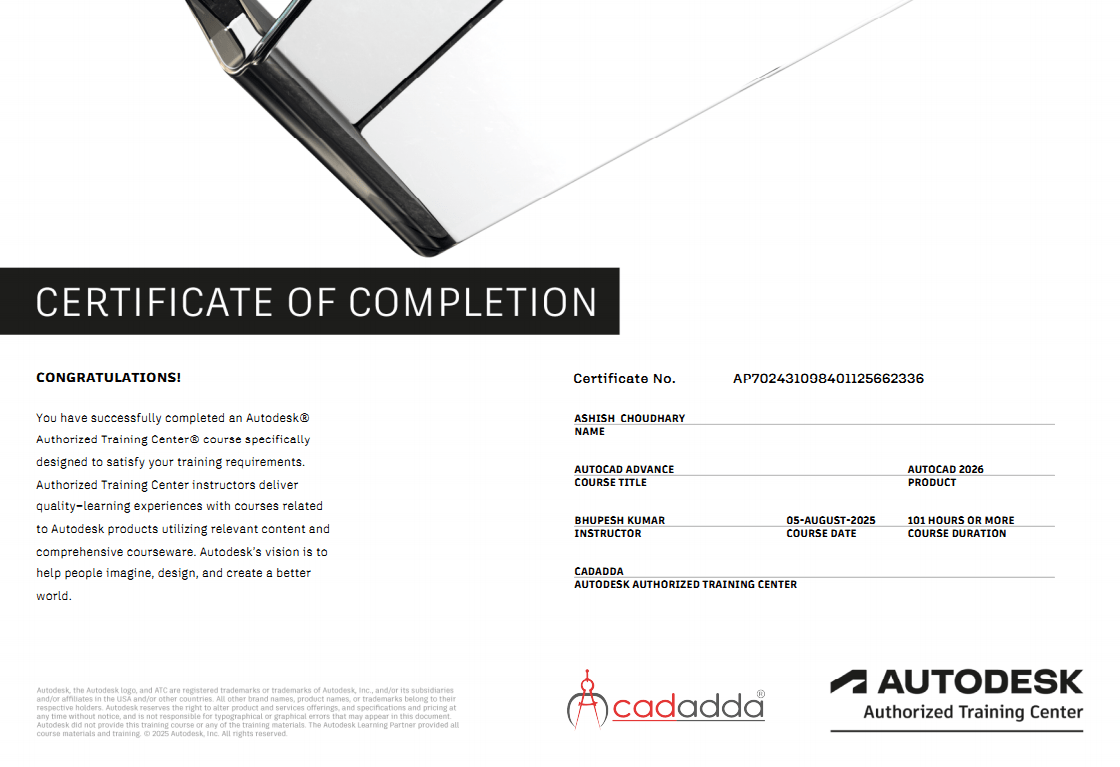
✔ Certificate Upon Course Completion
✔ Career & Interview Guidance
Who Should Join?
- Civil Engineering Students
- Structural Engineering Students
- Diploma Civil Students
- Site Engineers
- Structural Draftsmen
- Construction Professionals
- Design Consultants
- Working Engineers
- Fresh Graduates
- Engineering Entrepreneurs
Career Opportunities
After completing this course, students can pursue careers as:
- Structural Design Engineer
- Civil Design Engineer
- Structural Draftsman
- AutoCAD Draftsman
- STAAD.Pro Engineer
- RCC Design Engineer
- Steel Structure Designer
- Site Design Engineer
- Structural Consultant
- Project Engineer
Course Outcome
By the end of this course, students will be able to prepare professional structural drawings in AutoCAD, create structural models in STAAD.Pro, perform load calculations, analyze structures, design RCC and steel structures, and generate detailed engineering reports suitable for real-world construction and infrastructure projects.